


01One screen for every task.
Put your reference material on one side, your main project in the middle and messages on the other. Extend Mode gives each app its own space.
Free US Shipping · 2–7 Day Delivery
30-Day Easy Returns · 1-Year Warranty
Use Code: (FOPO) for 10% OFF · Limited Time Only
Free US Shipping · 2–7 Day Delivery
30-Day Easy Returns · 1-Year Warranty
Use Code: (FOPO) for 10% OFF · Limited Time Only
Free US Shipping · 2–7 Day Delivery
30-Day Easy Returns · 1-Year Warranty
Use Code: (FOPO) for 10% OFF · Limited Time Only
Free US Shipping · 2–7 Day Delivery
30-Day Easy Returns · 1-Year Warranty
Use Code: (FOPO) for 10% OFF · Limited Time Only
Free US Shipping · 2–7 Day Delivery
30-Day Easy Returns · 1-Year Warranty
Use Code: (FOPO) for 10% OFF · Limited Time Only
Free US Shipping · 2–7 Day Delivery
30-Day Easy Returns · 1-Year Warranty
Use Code: (FOPO) for 10% OFF · Limited Time Only
Free US Shipping · 2–7 Day Delivery
30-Day Easy Returns · 1-Year Warranty
Use Code: (FOPO) for 10% OFF · Limited Time Only
Free US Shipping · 2–7 Day Delivery
30-Day Easy Returns · 1-Year Warranty
Use Code: (FOPO) for 10% OFF · Limited Time Only
Free US Shipping · 2–7 Day Delivery
30-Day Easy Returns · 1-Year Warranty
Use Code: (FOPO) for 10% OFF · Limited Time Only
Free US Shipping · 2–7 Day Delivery
30-Day Easy Returns · 1-Year Warranty
Use Code: (FOPO) for 10% OFF · Limited Time Only
Free US Shipping · 2–7 Day Delivery
30-Day Easy Returns · 1-Year Warranty
Use Code: (FOPO) for 10% OFF · Limited Time Only
Free US Shipping · 2–7 Day Delivery
30-Day Easy Returns · 1-Year Warranty
Use Code: (FOPO) for 10% OFF · Limited Time Only
Spend $50 more to get FREE shipping!
Couldn't load pickup availability

Complimentary Service

Complimentary Service

Complimentary Service

Give your work room to breathe. Add two spacious 16-inch screens and keep your documents, calls and ideas in view.
Driver-free with compatible video ports.
Each extension display needs a video connection.

Keep separate apps open across three screens, or share the same content. Choose the mode that fits the moment.
Put your reference material on one side, your main project in the middle and messages on the other. Extend Mode gives each app its own space.

Walk through a presentation or share an idea with someone beside you. Mirror Mode repeats your content across displays.
Two 16-inch IPS panels bring a 1920 × 1200 view to each side of your laptop. The 16:10 format gives documents, spreadsheets and creative tools room to spread out.

No display driver installation required. Choose the setup that matches your laptop’s video outputs, then select Extend or Mirror in your display settings.
Connect one full-featured USB-C cable to each extension display. Both laptop ports must support video output and provide sufficient power.

Connect one display by video-capable USB-C. Connect the second using HDMI to Mini HDMI, plus a separate USB power connection.

USB-C shape alone doesn’t guarantee video support. Check your laptop specifications for DisplayPort video output over USB-C or compatible Thunderbolt support. USB-A supplies power in the HDMI setup; it does not carry the display signal.
Confirm your laptop’s size, video ports and external-display support before choosing S11.
Ask us about your laptop ↗Designed for laptops approximately 12–18.5 inches. Screen size is a starting point; confirm the fit of your specific laptop model.
Your laptop must support two external displays using one of the connection options above. Confirm the capabilities of the ports you plan to use.
Compatible Windows laptops need the required video outputs. Supported Mac configurations include M1 Pro / Max, M2 Pro / Max and M3 Pro / Max with suitable ports and display support.
Mac users: Base M1, M2 and M3 chips are not supported for this S11 dual-extension setup. For other Mac models, send us your exact model and chip before ordering.
Two extension screens. One expanded workspace.
Yes, on a compatible laptop. Select Extend in your computer’s display settings to use the laptop screen and both S11 displays as separate workspaces. Choose Mirror to repeat content instead.
No. The S11 setups shown here use a separate video connection for each extension display. Use two video-capable USB-C connections, or video-capable USB-C for one display and HDMI plus USB power for the other.
No display driver installation is needed when you connect S11 to compatible video-output ports. A USB-C port that only transfers data or supplies power cannot provide the required video signal.
The listed supported configurations include M1 Pro / Max, M2 Pro / Max and M3 Pro / Max with the required connections. Base M1, M2 and M3 chips are not supported for this dual-extension setup. Contact us to confirm any other model.
Confirm that the laptop port supports video, the display input matches your connection and each screen receives enough power. If using HDMI, connect the separate USB power cable too. Then check your computer’s display settings or contact FOPO support with your laptop model.
No. S11 uses two non-touch 16-inch IPS displays. You control your applications with your laptop’s keyboard, trackpad or mouse.
From your first task to your last tab, give your laptop a little more possibility.


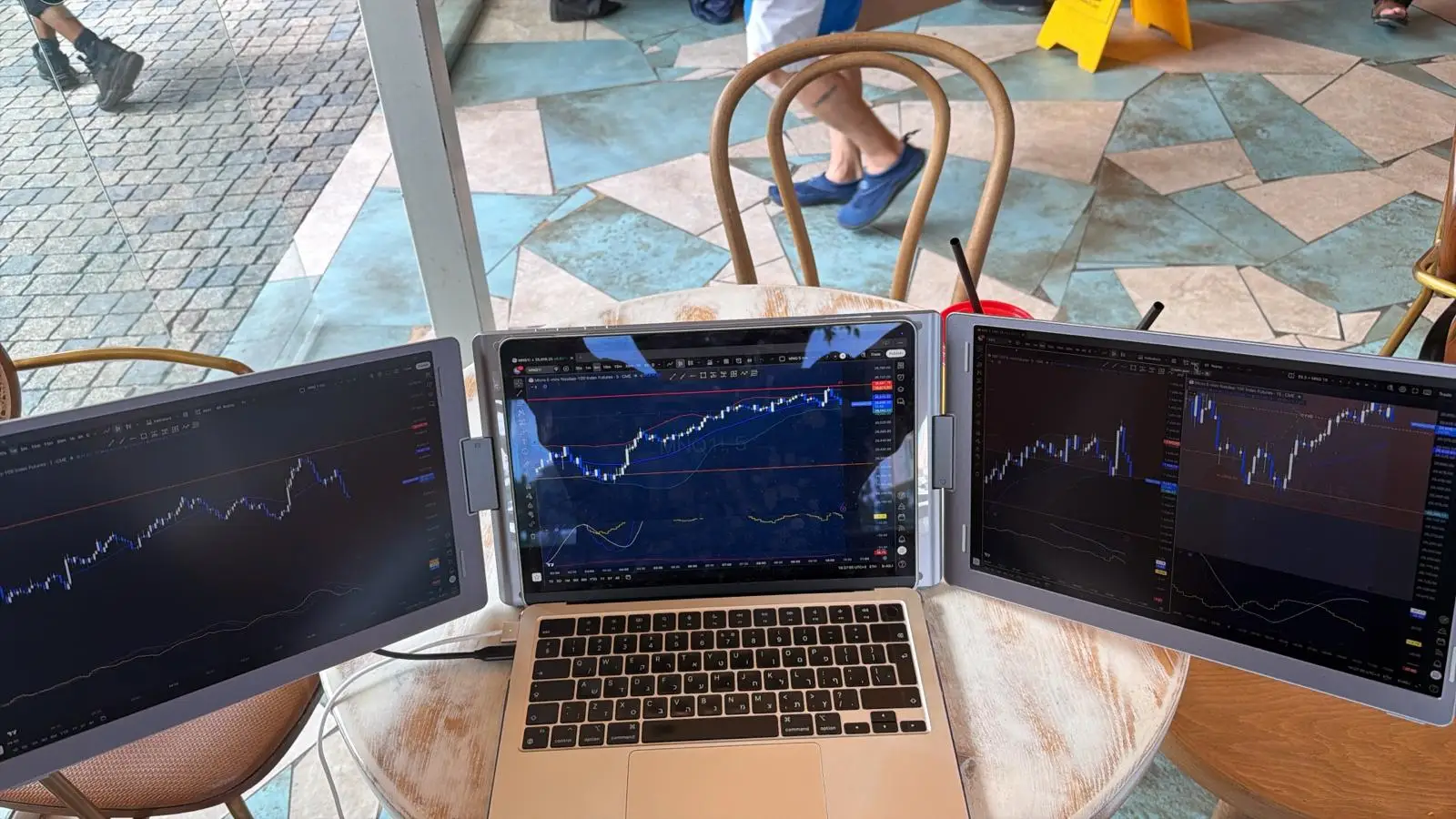
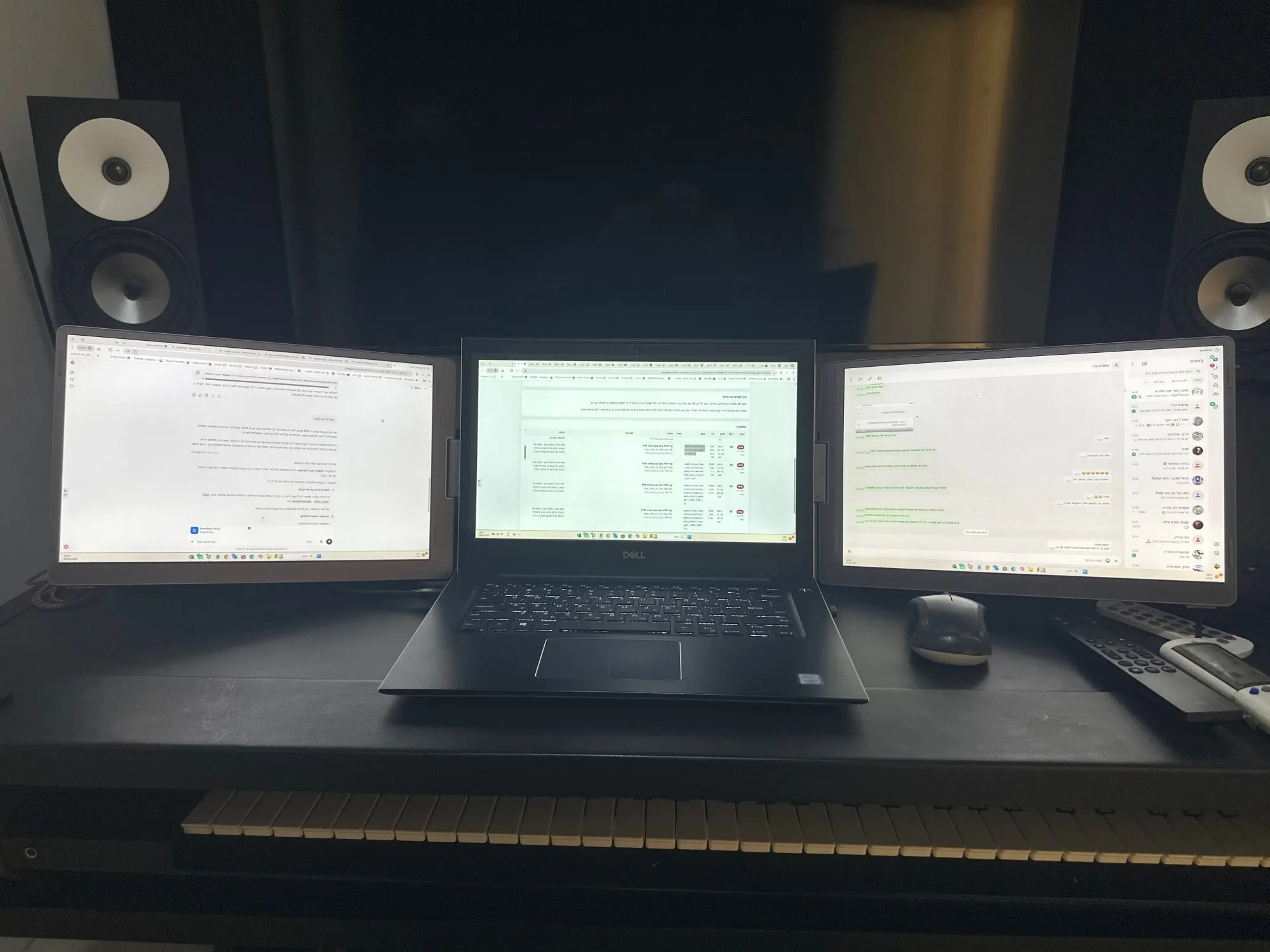
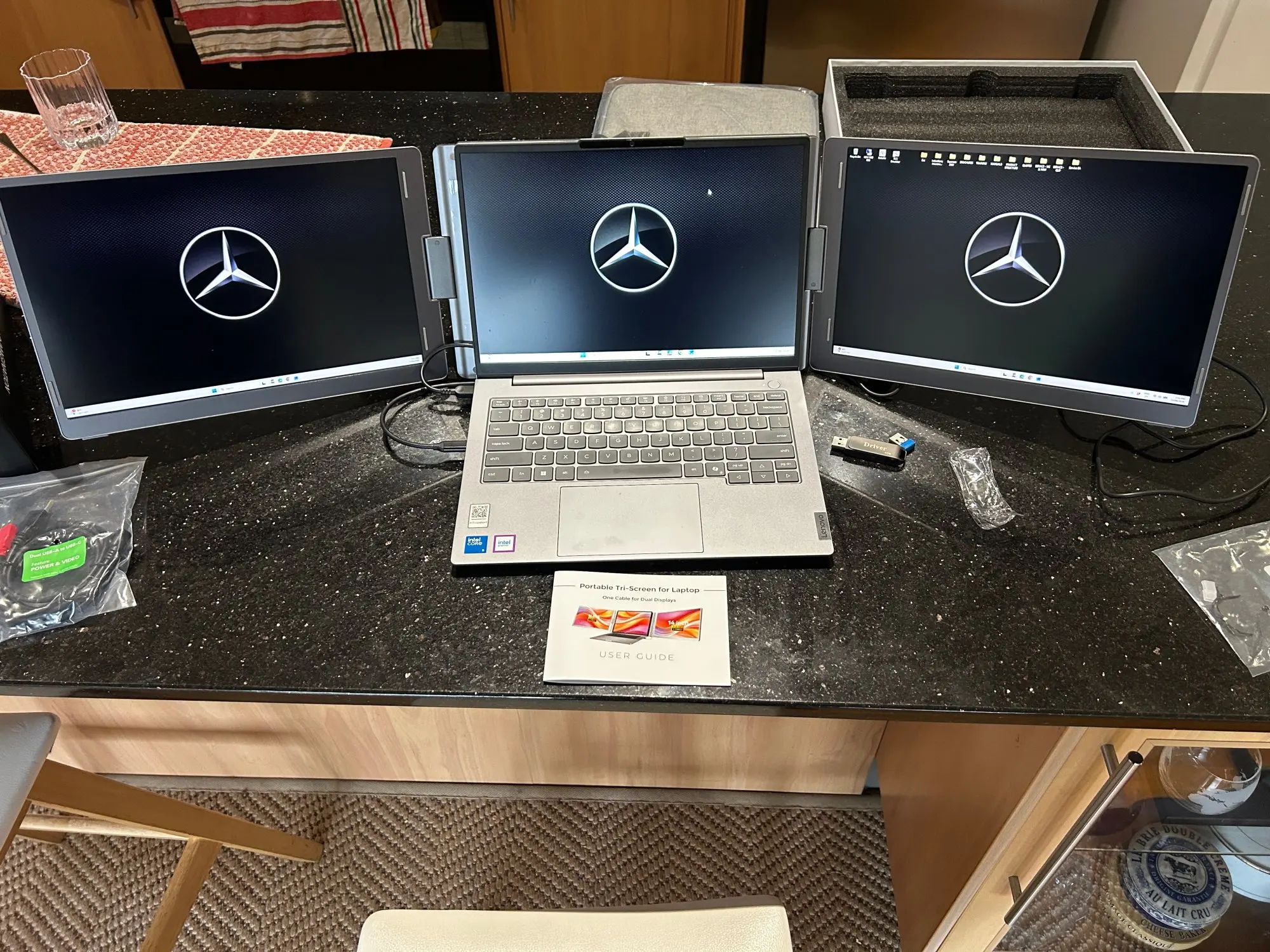
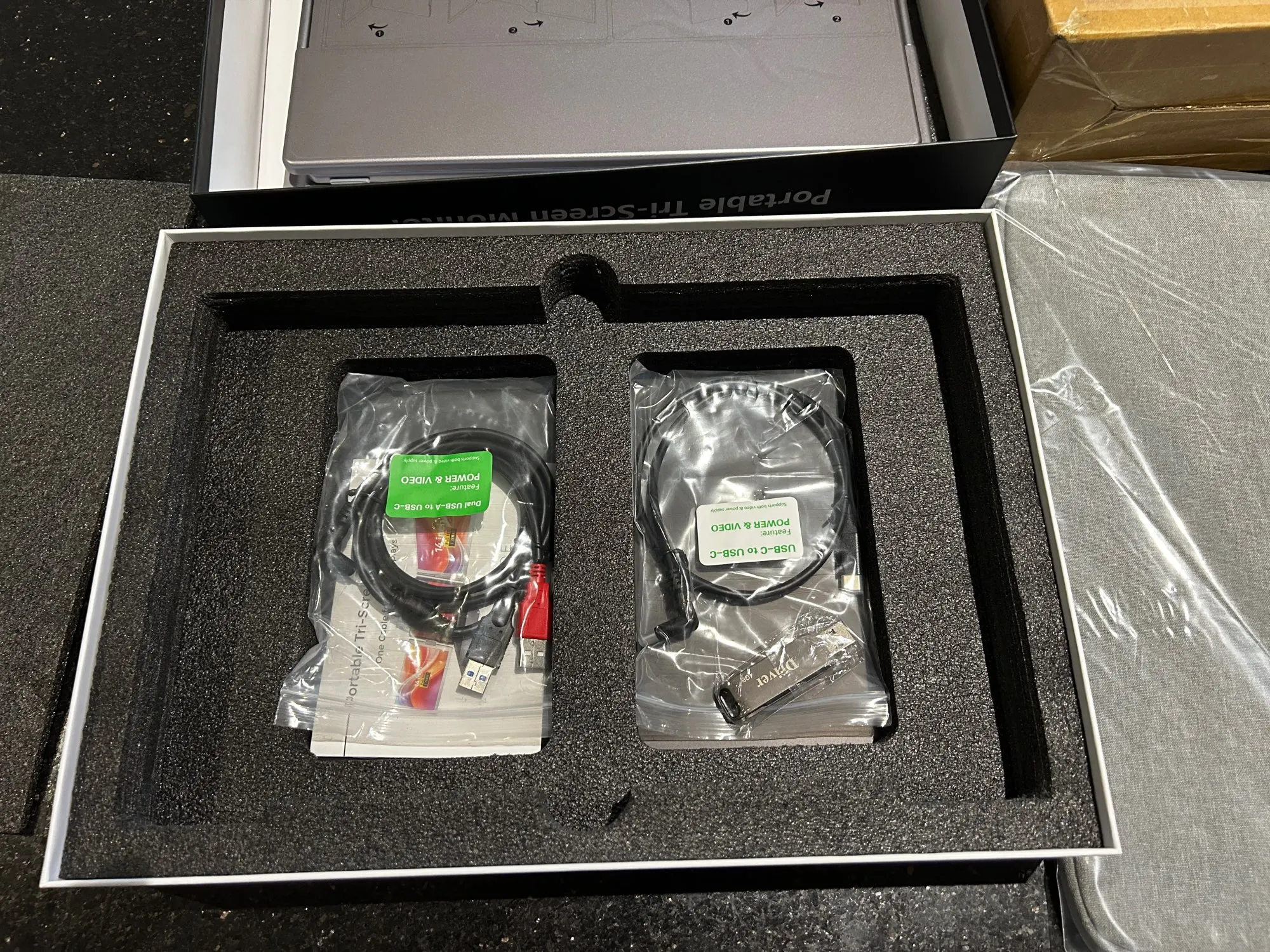
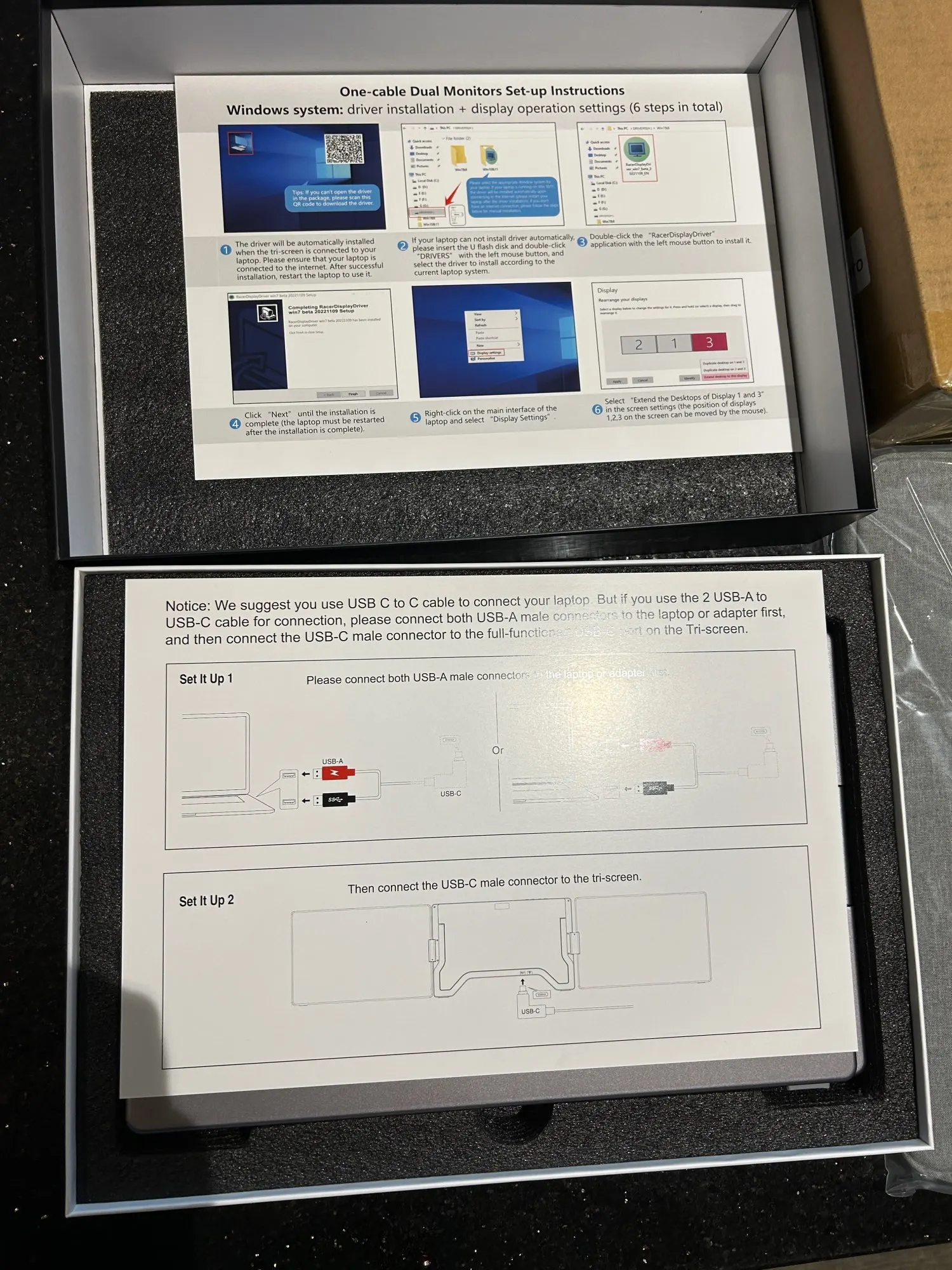
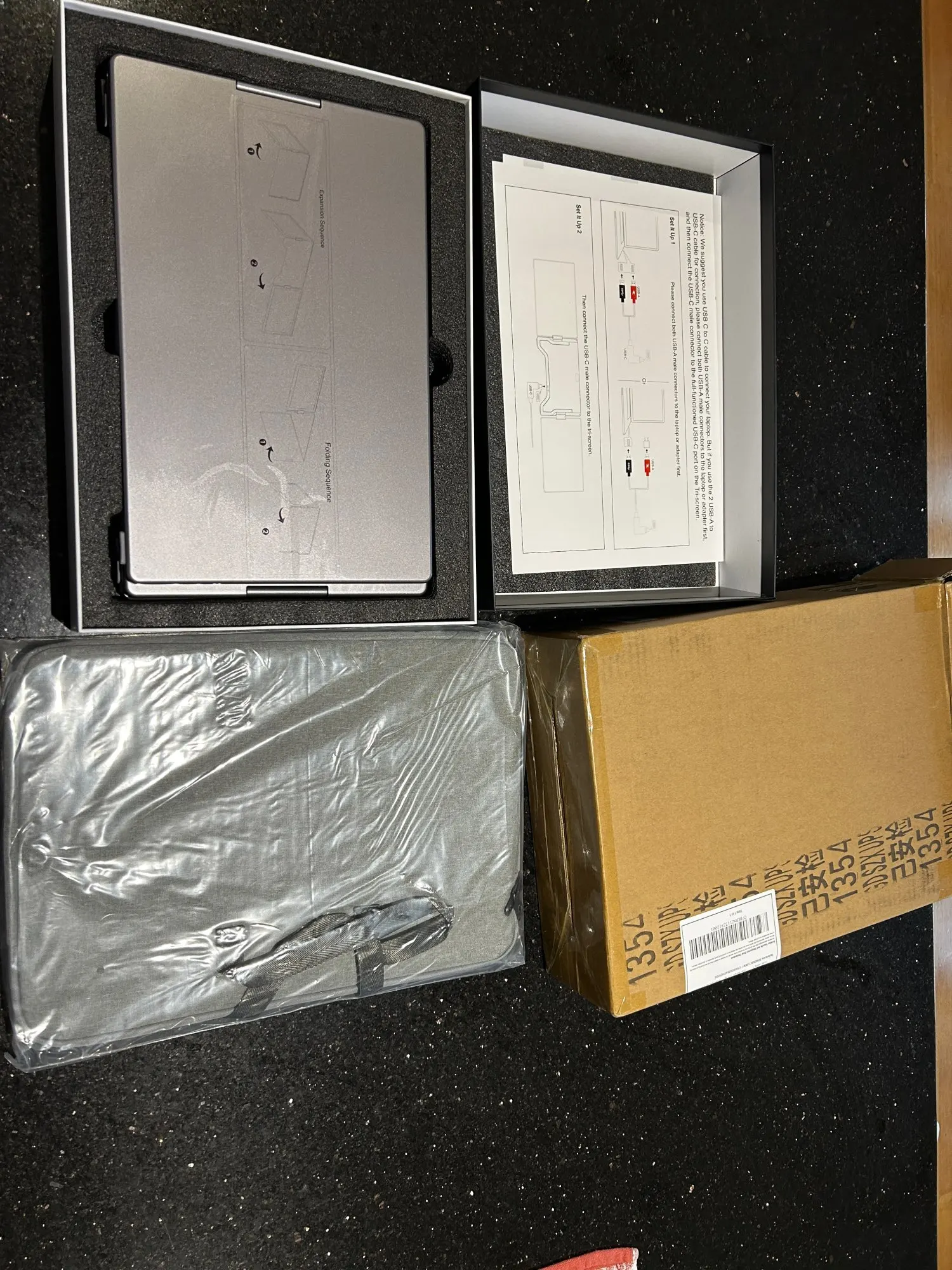
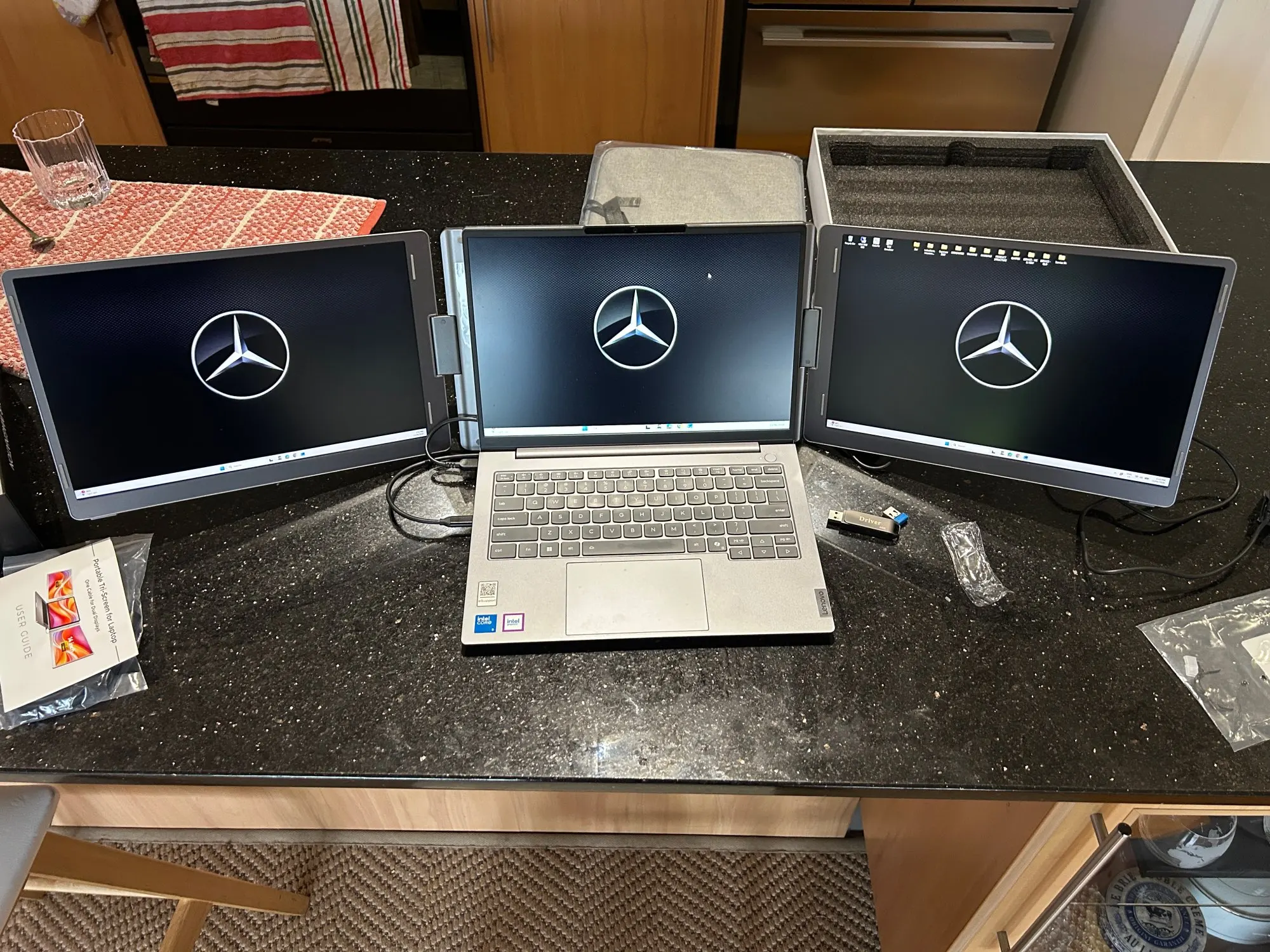
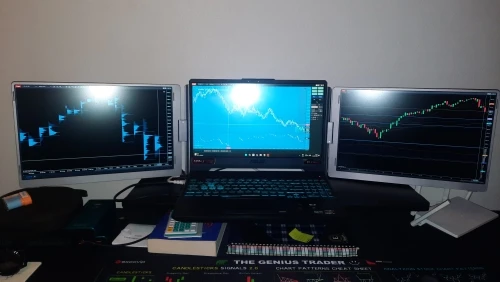
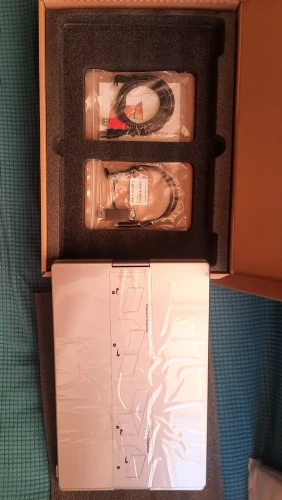
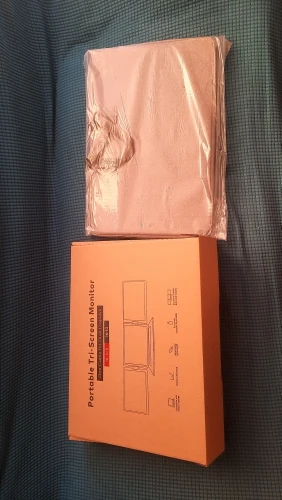
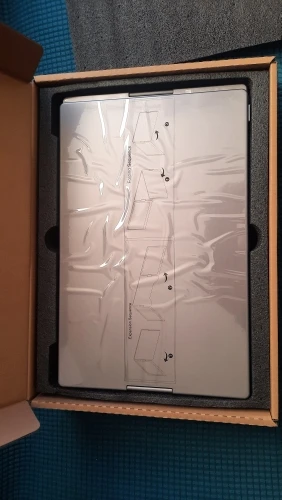
“Installation was very easy.”
“The product is amazing”
“easy to install”
“took 2 minutes to setup.”
“Great product, arrived quickly.”
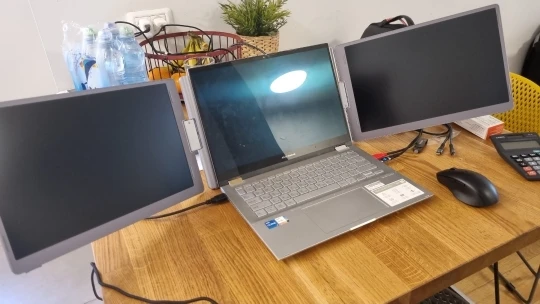
5 selected excerpts. Rating and review total from BuddyonScreen, checked Sep 23, 2026. Photos open at full size.
See how professionals transform their daily workflow with FOPO portable monitors — creating more space to work, design, manage, and stay productive anywhere.
97%
From business professionals to creators, FOPO helps streamline workflows by making information easier to access and manage.
98%
Work across multiple applications at once without constantly switching windows. Keep emails, documents, dashboards, and creative tools visible together.
99%
Whether at home, in the office, or on the go, FOPO delivers a flexible multi-screen setup without the limitations of traditional monitors.
99%
A single laptop screen limits what you can do. FOPO expands your workspace with portable multi-screen solutions designed for modern professionals. Enjoy smoother multitasking, improved workflow, and the freedom to work efficiently wherever inspiration takes you.
Trusted by professionals who want a cleaner setup, better efficiency, and more freedom in the way they work.

Sign up for our email newsletter for special discounts and exclusive offers.
M : S
Use the code bellow to get 10% off your whole order!
Code copied successfully!